HD Camera -Video Filter Editor3.6.6
Publisher Description
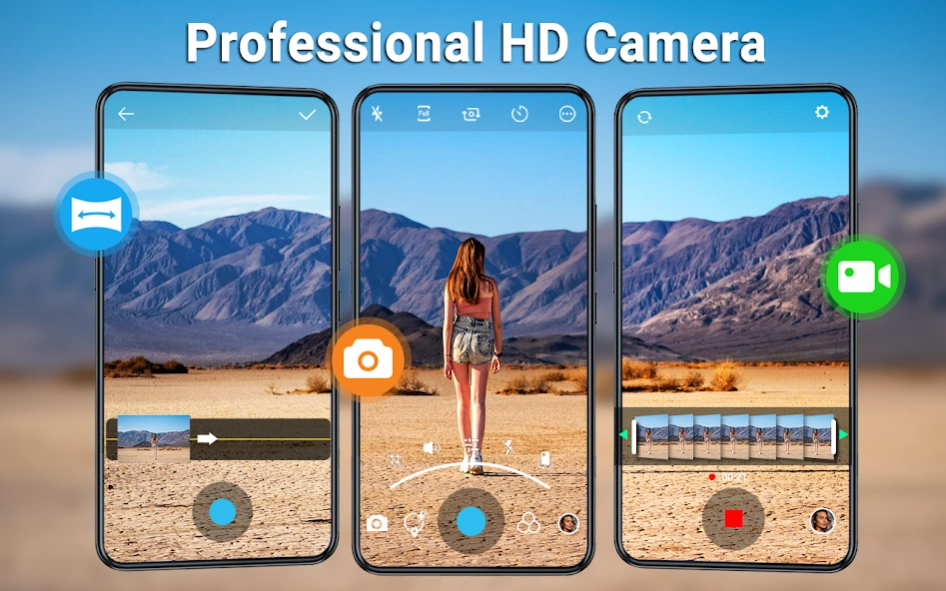
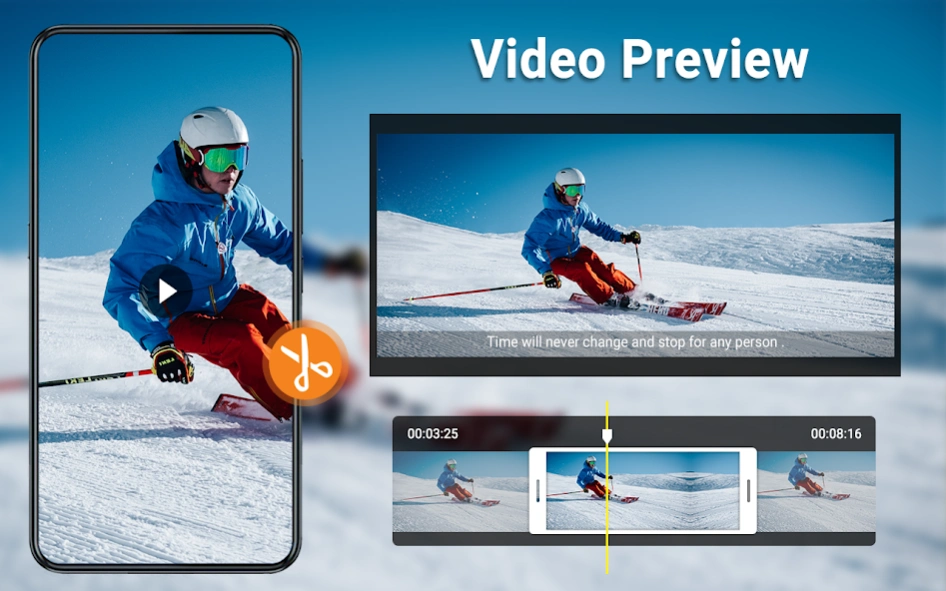
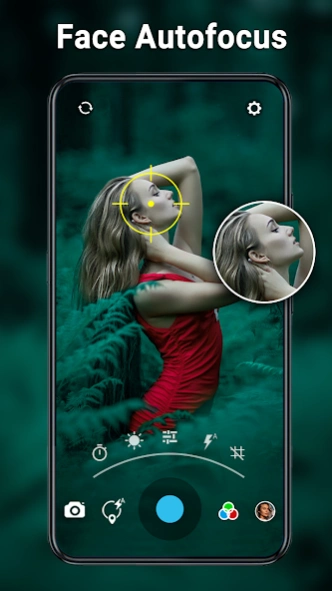
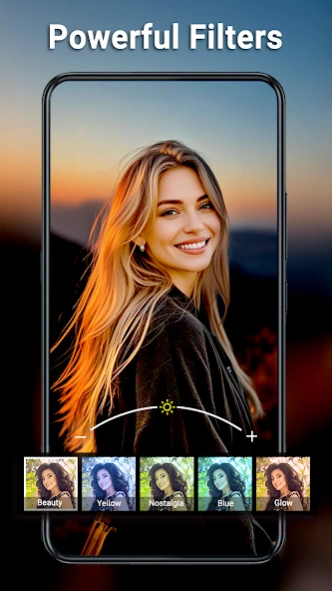
HD Camera with HD Video shooting, Panorama, Photo editor , Filter Beauty Camera.
HD Camera is a fully featured and completely free selfie beauty Camera app, support quick snap, It contains HD video shooting, panorama, professional photo editing tools and all themed funny stickers & motion stickers, art filters, poster templates, photo collage and video effects.
This HD Camera gives you everything you need to take and edit photos. Creating beautiful and natural looking photo and video selfies has never been easier. Produce quality collages, add adorable personal touches, and do much more with HD Camera. Unleash your inner creativity now!
HD Camera is one of the most trusted free camera alternatives for Android. Free download to have a try and enjoy it!
Key Features
of HD Camera / HD Video / Panorama / Filters / Selfie Camera / Beauty Camera / Photo editor
High-Quality:
HD Camera automatically adjust for light and motion for crystal clear results.
1. Support of all resolutions and ratios your camera allows
2. Fine-tuned auto focus to make sure your photos come out crystal clear
3. Take pictures using HDR+ to capture fantastic photos, especially in low-light or backlit scenes.
4. Next Level Video Recording and apply video cuts in realtime.
Essential Camera Features:
1. Front and back camera support
Up to 60+ gorgeous filters for different scenes
2. Flash on/off/auto
3. Fast camera zoom with pinch finger gestures
4. Supports professional mode: Scene modes, ISO, White balance, Exposure adjustment, and etc.
5. Supports silent capture mode, disable the shutter sound
6. Optional GPS setting to save your current location
7. Timer for delayed shots
Professional Photo & Video Editor:
Edit Photos with Full Editing Toolkit, create photos with all-in-one creativity suite.
1. Add Text:
Create your own movie posters by adding catchy slogans to your pictures, scribble poppy messages. You can even choose the font!
2. Effects:
Change brightness, contrast, saturation and color temperature for your photos.
3. Filters:
Hand-picked selection of beautiful camera filters, one-touch filters to apply , mosaic pixelate to blur the background, vignette, and HDR effect.
4. Editor:
Crop & rotate your photos, Shorten your videos with the video trimmer.
5. Collages:
Combine multiple photos into one, perfect collage and relive the memories all over again.
6. Share:
Upload your fixed-up photos instantly to Facebook, Instagram, or the social network of your choice.
Never miss a moment with Quick Capture, HD Camera has utilized all advantage of your phone or tablet. It’s really fast with zero shutter lag so you’ll never miss a moment.
About HD Camera -Video Filter Editor
The company that develops HD Camera -Video Filter Editor is Mobile_V5. The latest version released by its developer is 3.6.6.
To install HD Camera -Video Filter Editor on your Android device, just click the green Continue To App button above to start the installation process. The app is listed on our website since 2026-10-15 and was downloaded 5 times. We have already checked if the download link is safe, however for your own protection we recommend that you scan the downloaded app with your antivirus. Your antivirus may detect the HD Camera -Video Filter Editor as malware as malware if the download link to panorama.filter.selfie.hd.camera is broken.
How to install HD Camera -Video Filter Editor on your Android device:
- Click on the Continue To App button on our website. This will redirect you to Google Play.
- Once the HD Camera -Video Filter Editor is shown in the Google Play listing of your Android device, you can start its download and installation. Tap on the Install button located below the search bar and to the right of the app icon.
- A pop-up window with the permissions required by HD Camera -Video Filter Editor will be shown. Click on Accept to continue the process.
- HD Camera -Video Filter Editor will be downloaded onto your device, displaying a progress. Once the download completes, the installation will start and you'll get a notification after the installation is finished.
Program Details
System requirements
Download information
Pricing
Version History
version 3.6.6
posted on 2026-10-15
V3.6.6
💝Improve sharing feature, better quality
🌸Fix bugs reported by users, more stable
V3.6.5
✨Improve gallery, better experience
💯Improve performance, better videos
V3.6.3
🚀Improve pro video, better experience
🎉Improve camera, easy to use
version 3.6.5
posted on 2026-09-16
V3.6.5
✨Improve gallery, better experience
💯Improve performance, better videos
V3.6.3
🚀Improve pro video, better experience
🎉Improve camera, easy to use
V3.6.2
🌸Improve video, better quality
💝Fix bugs reported by users, more stable
version 3.6.3
posted on 2026-08-26
V3.6.3
🚀Improve pro video, better experience
🎉Improve camera, easy to use
V3.6.2
🌸Improve video, better quality
💝Fix bugs reported by users, more stable
V3.6.1
💯Improve camera, better experience
✨Video stabilization, better videos
version 3.6.2
posted on 2026-08-21
V3.6.2
🌸Improve video, better quality
💝Fix bugs reported by users, more stable
V3.6.1
💯Improve camera, better experience
✨Video stabilization, better videos
V3.6.0
🎉Video stabilization function launched
🚀Optimized some details for a better experience
version 3.6.1
posted on 2026-07-23
V3.6.1
💯Improve camera, better experience
✨Video stabilization, better videos
V3.6.0
🎉Video stabilization function launched
🚀Optimized some details for a better experience
V3.5.9
💝Improve video, better quality
🌸Fix bugs reported by users, more stable
version 3.6.0
posted on 2026-07-17
V3.6.0
🎉Video stabilization function launched
🚀Optimized some details for a better experience
V3.5.9
💝Improve video, better quality
🌸Fix bugs reported by users, more stable
V3.5.8
✨Add Pro video, powerful features
💯Improve camera, better experience
version 3.5.9
posted on 2026-07-07
V3.5.9
💝Improve video, better quality
🌸Fix bugs reported by users, more stable
V3.5.8
✨Add Pro video, powerful features
💯Improve camera, better experience
V3.5.7
🔥Improve photo clarity, hd quality
🎉Improve performance, easy to use
version 3.5.8
posted on 2026-06-18
V3.5.8
✨Add Pro video, powerful features
💯Improve camera, better experience
V3.5.7
🔥Improve photo clarity, hd quality
🎉Improve performance, easy to use
V3.5.6
🌸Improve camera, better quality
💝Fix bugs reported by users, more stable
version 3.5.7
posted on 2026-05-20
V3.5.7
🔥Improve photo clarity, hd quality
🎉Improve performance, easy to use
V3.5.6
🌸Improve camera, better quality
💝Fix bugs reported by users, more stable
V3.5.5
✨Improve performance, powerful features
💯Improve camera, better experience
version 3.5.6
posted on 2026-04-24
V3.5.6
🌸Improve camera, better quality
💝Fix bugs reported by users, more stable
V3.5.5
✨Improve performance, powerful features
💯Improve camera, better experience
V3.5.3
🔥Improve performance, easy to use
🎉Fix known bugs, better quality
